

Pond Filter Instructions
3 steps
Step 1

Apply the base layer
Add a 20 cm layer of STEP ONE Pond substrate to the wetland filter.
This is the core of the filter and provides:
- Biological filtration
- Stability
- Healthy root development
Make sure there is about 10 cm of water remaining above the substrate for the marsh and Aquatic plants.
DO NOT use lava rock, gravel, or sand as the main substrate. STEP ONE and provides a healthy root environment.
Step 2

Placing plants and baskets
AQUA SETS
- Mix the aquatic plant soil with the substrate in the basket.
- Plant the plant so that the growing point is just above the soil.
- Press the power button in the center.
- Cover with gravel.
Place the baskets firmly in the growing medium.
Loose plugs
- Plant directly in the growing medium
- No more than 10 cm of water above the roots
- Press firmly
- Spread evenly over the filter
Plant all plants at the depth indicated on the label.
Step 3

Startup and Maintenance
Startup
Add immediately upon installation:
- Day 1: Add INSTA CLEAN.
- Day 3: BACTA CLEAR .
This initiates bacterial growth and promotes the breakdown of organic matter.
Maintenance
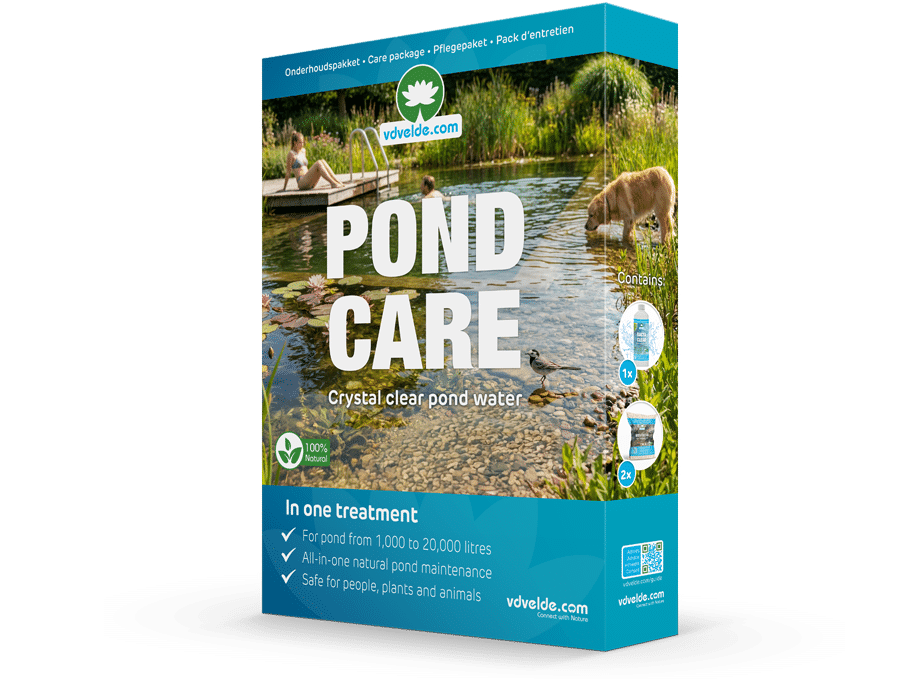
Add the POND CARE maintenance kit 2 to 3 times a year.
POND CARE contains:
- BACTA CLEAR for biological balance
- INSTA CLEAN for sludge binding and clear water
Use in the spring, during hot summers or when stress is visible, and in the fall.